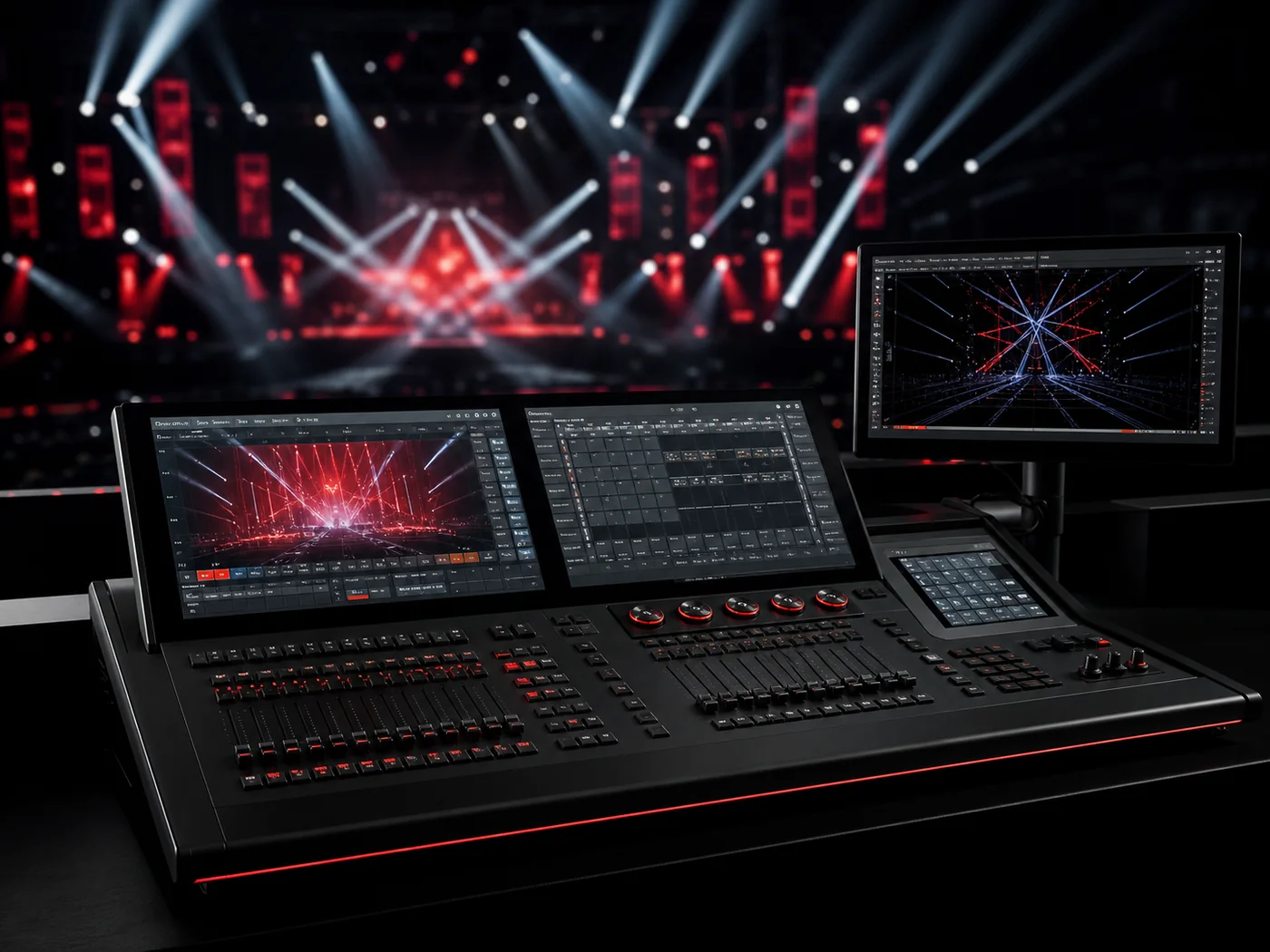
Fixture control compatibility for global lighting systems.
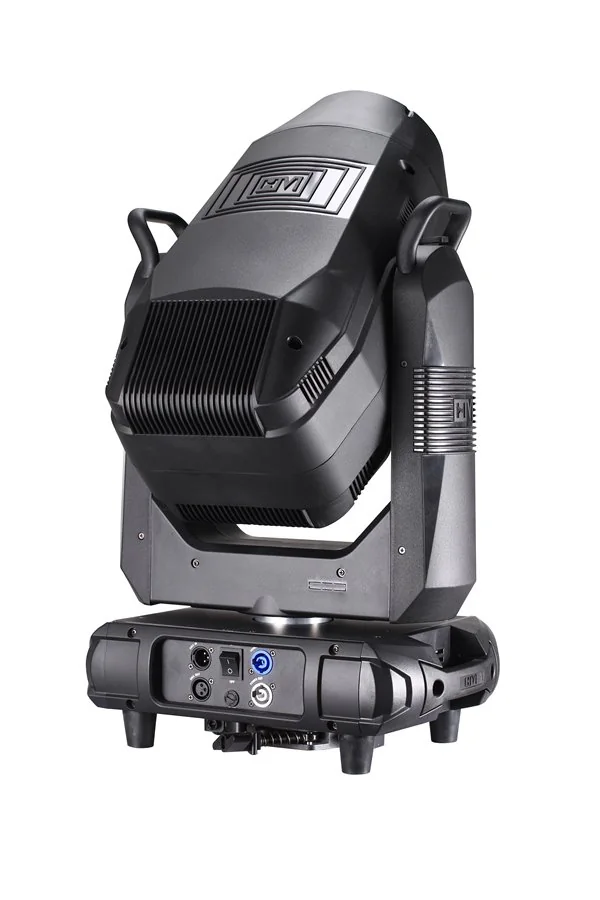
Hengmei focuses on the fixture side of control: DMX personalities, RDM support, console profiles, network protocol coordination and clear handoff documents for crews.
The control system only works when every fixture is predictable.
For manufacturers, control compatibility means clear channel logic, stable signal response, repeatable dimming behavior and documentation that programmers can trust.
Channel modes
Simple, standard and extended DMX modes help crews balance control depth and address count.
16-bit precision
Fine pan, tilt, dimming, color and zoom control can be specified where smooth movement matters.
Remote setup
RDM-capable fixture families can support remote address checks and status communication.
Signal topology
DMX lines, split points and network nodes are planned around the actual fixture mix.
Integration Paths
Start from the control environment, then confirm the fixture modes.
Different jobs need different control documents. Touring crews need fast patching; fixed venues need repeatable scenes; networked systems need protocol and address planning.
Console Workflow
DMX personalities prepared for major lighting consoles.
Control: DMX512
Files: fixture profiles
Use: MA / Avolites / ChamSys
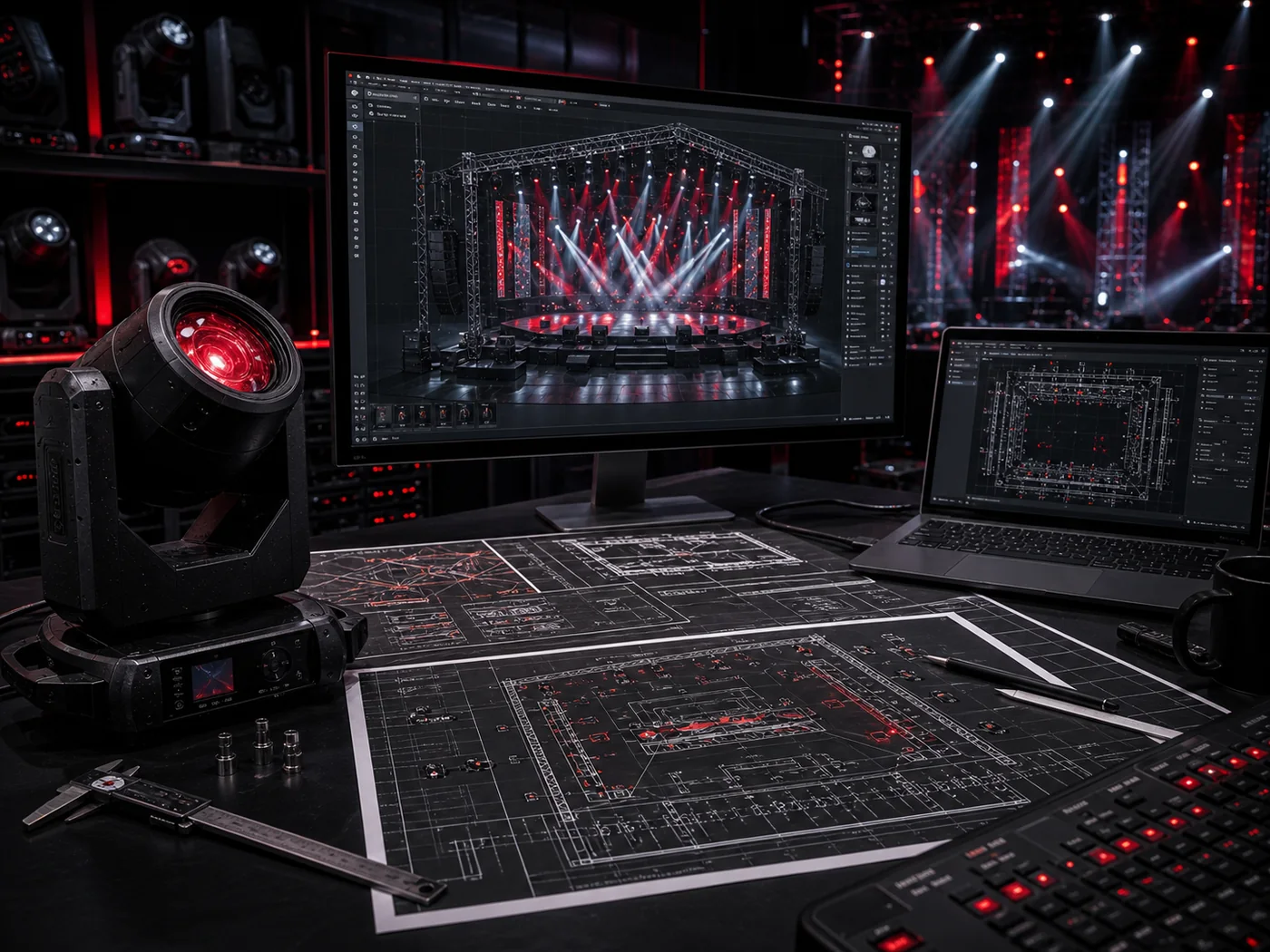
Provide channel tables, mode notes and fixture profile checks for console patching.
Network Control
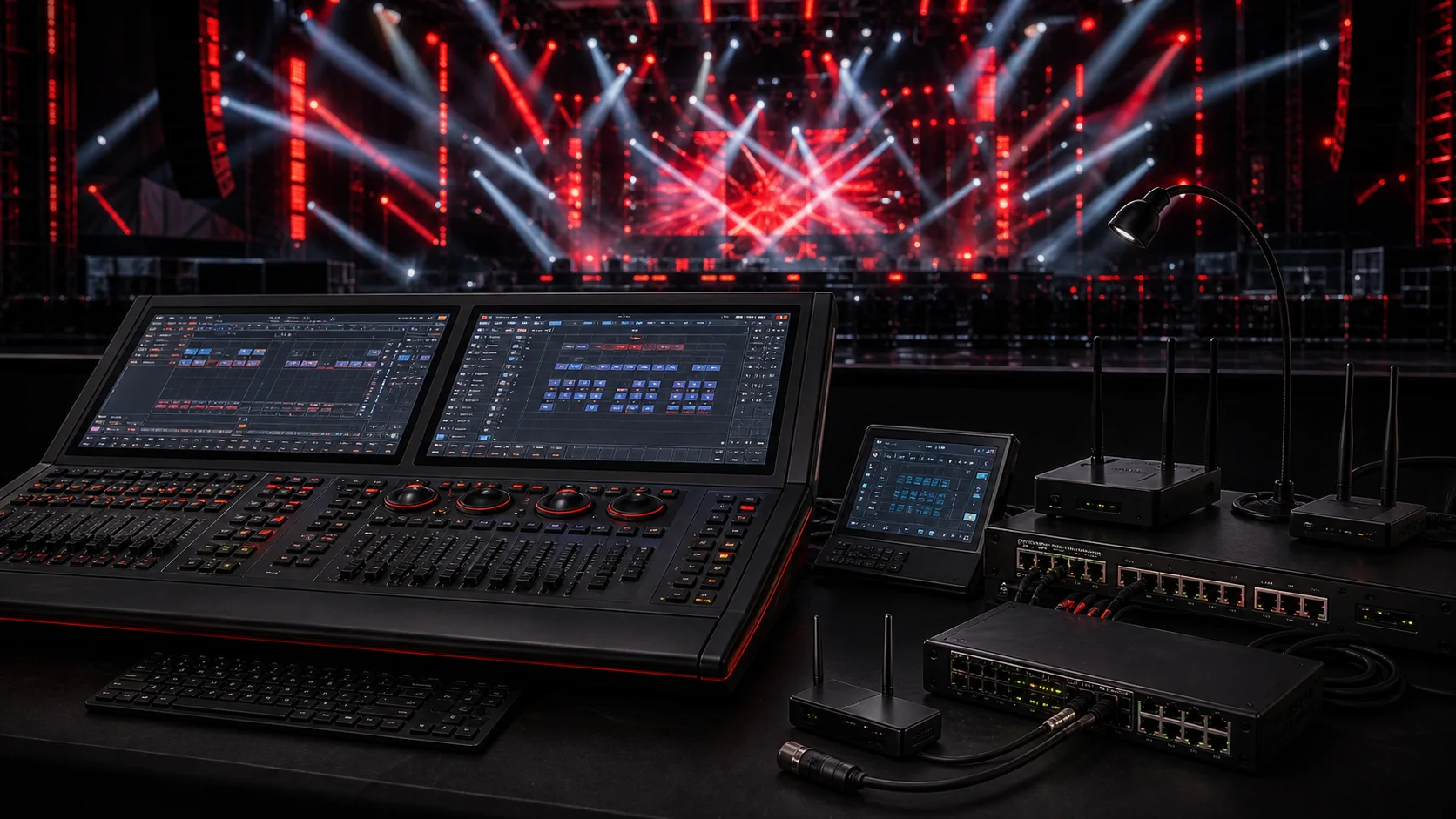
Art-Net and sACN paths coordinated by fixture model and system design.
Protocol: Art-Net
Protocol: sACN / E1.31
Scope: by model or node
Confirm whether selected fixtures use direct network input or require gateways and DMX nodes.
Rental Fleet
Consistent modes make repeated patching faster across shows.
Mode: standard
Need: quick patch
Support: mode sheet
Standardize preferred modes for each fixture family in rental inventory and batch documents.
Fixed Venue
Stable scene control for daily operators and integrators.
Use: preset scenes
Need: RDM address
Support: handoff pack
Match DMX modes to daily scene control needs and prepare address plans for permanent rigs.
Control Deliverables
What should ship with a control-ready fixture package.
01
DMX Mode Sheet
Channel counts, mode differences, function order and control behavior for each fixture family.
From controller brief to patch-ready fixture package.
01
Confirm controller
Identify the console, software, DMX node or show-control environment.
02
Select modes
Choose DMX modes by control depth, channel budget and operator workflow.
03
Prepare files
Send channel charts, fixture profiles, address plan notes and protocol requirements.
04
Test handoff
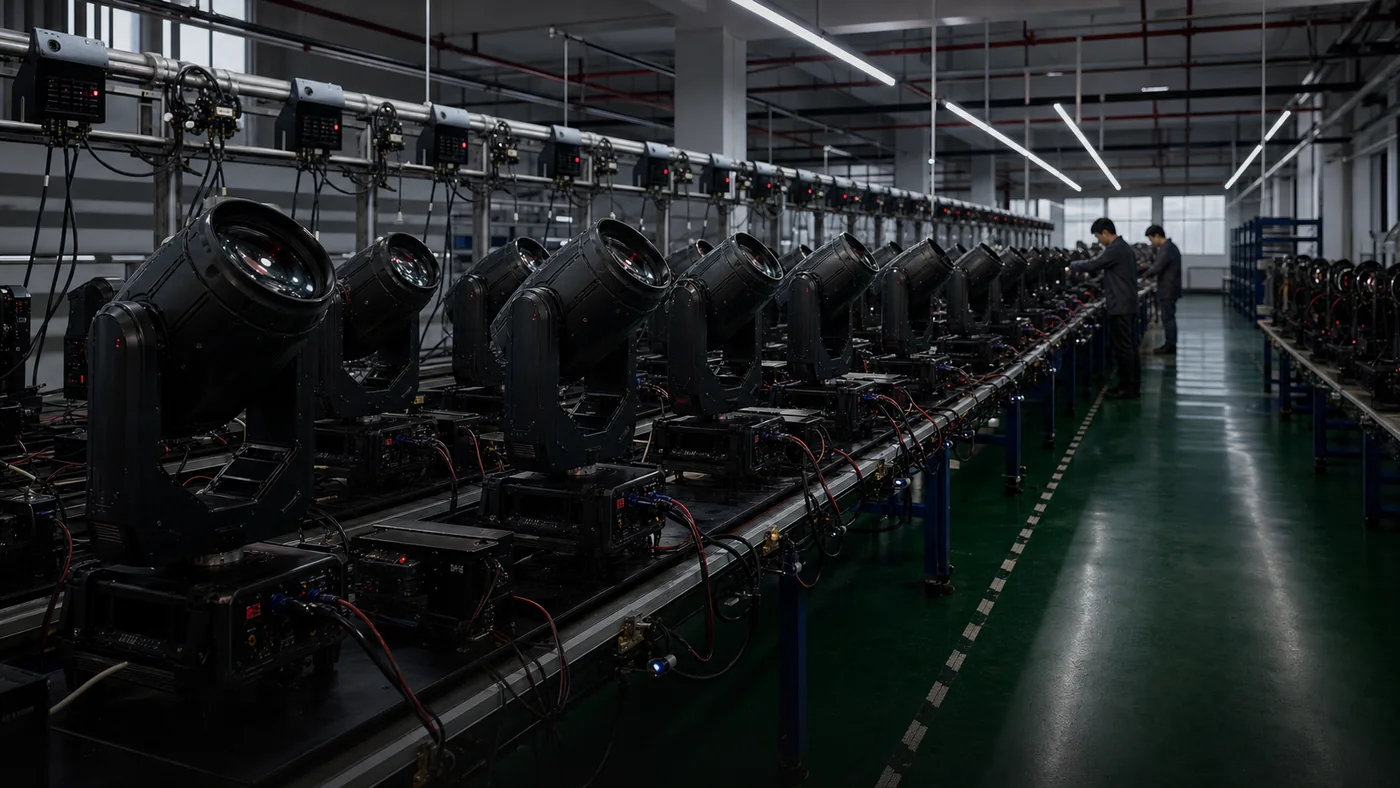
Verify key functions and provide the control package with shipment documents.
Control Response Within 12 Hours
Request Control Compatibility Support
Send the fixture models, controller type, preferred protocol and project quantity. Hengmei will return the relevant control notes, DMX mode guidance and file support path.